How to find and book a companion
Updated 2026-11-17
Booking a companion takes a few minutes: pick someone you like, choose a service and time, and pay with KAKI. Your KAKI is held by the platform and is only released to the companion after the session is completed.
Step by step
1. Browse companions
Open Browse, tap All Services to pick a game, then use Filter (price range, gender, languages and more) or sort by Highest Rating. Tap a companion to view their profile, services, reviews and voice intro.
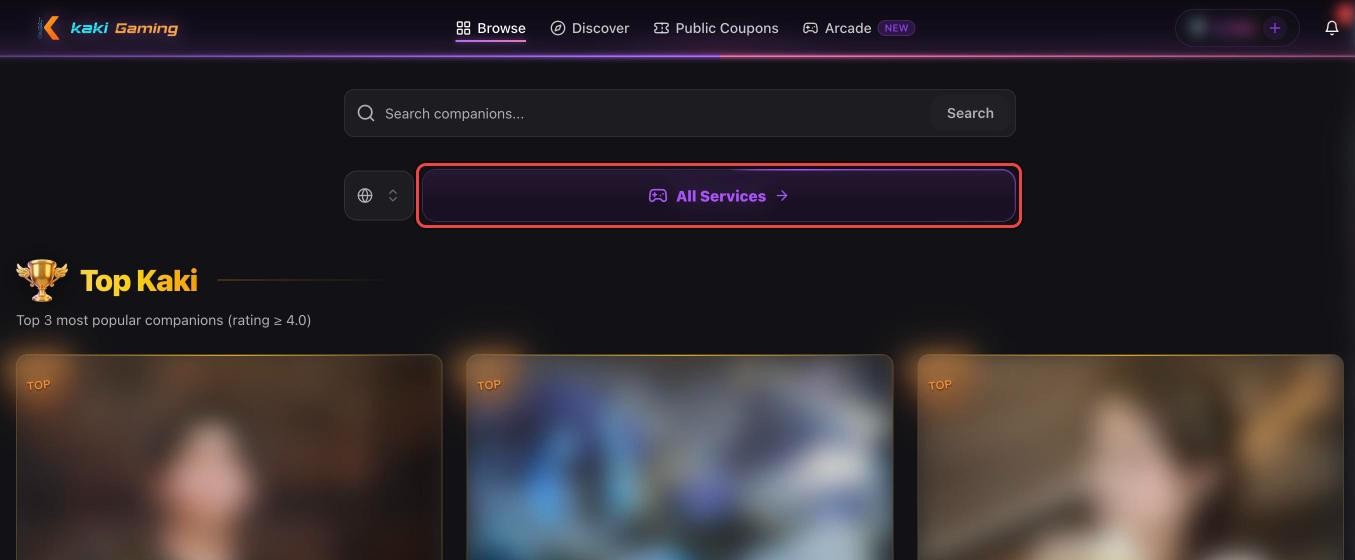
2. Choose instant or scheduled
On their profile, open Services, pick a service and tap Order Now (or Scheduled). Immediate is only possible while they're online and starts about 5 minutes after they accept; Scheduled starts at a time you pick within their booking hours.
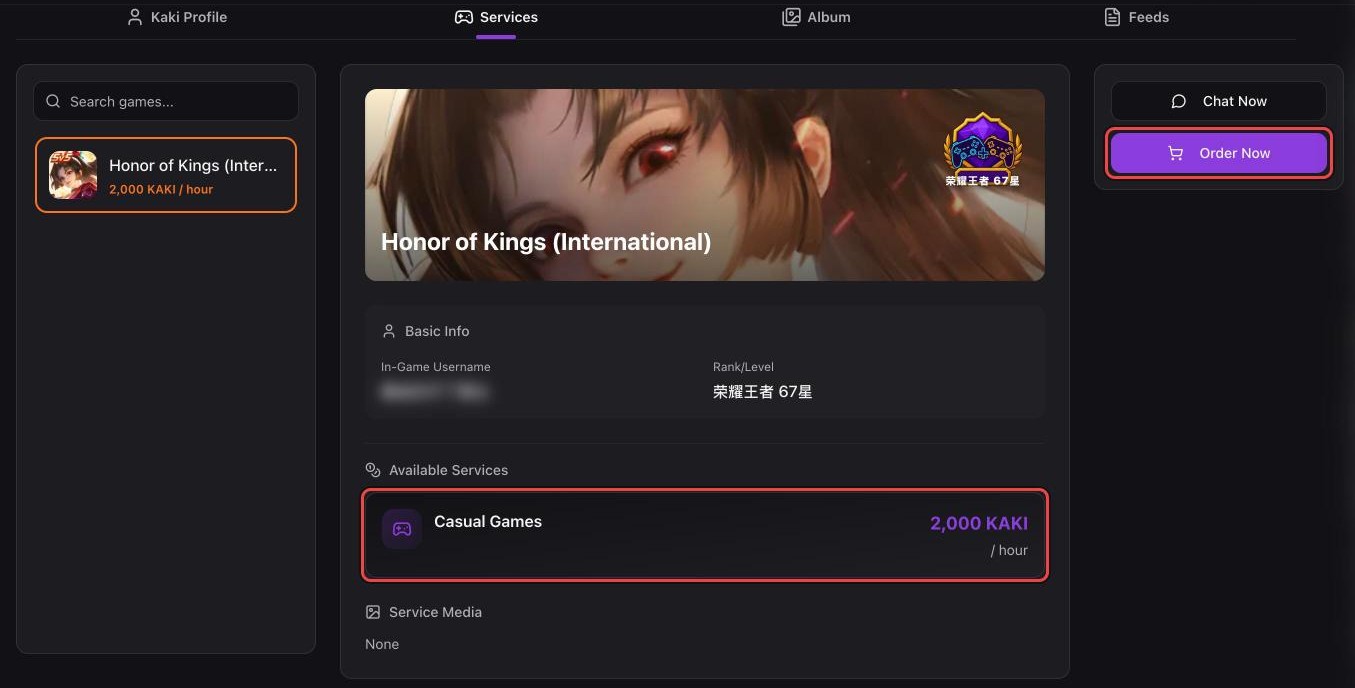
3. Pay with KAKI
The order amount is deducted from your KAKI balance and locked while the order is active. If your balance is not enough, top up first.
4. Wait for acceptance
The companion has a limited time to accept — the order shows a countdown. If they do not accept in time, the order is cancelled automatically and you get a full refund — any coupon you used is returned too.
5. Play, then confirm
Chat with your companion in the order chat. When the session ends, tap Confirm Completion. The order completes when both sides confirm, or automatically if the other side doesn't confirm in time; only then does the companion receive their earnings, and you can leave a review.
Tip: keep all communication and payment inside the app. Off-platform deals are not protected by Kaki Gaming and cannot be refunded.