Create your account and sign in
Updated 2026-11-19
You can join Kaki Gaming with an email address and password, or sign in directly with your Google or Apple account (Apple sign-in is on the website and the iPhone/iPad app, not the Android app). Registration is free.
Sign up with email
1. Open the sign-up page
Tap Login at the top of the app (on a computer you can tap Sign Up), then tap Don't have an account? Sign up and enter your email address.
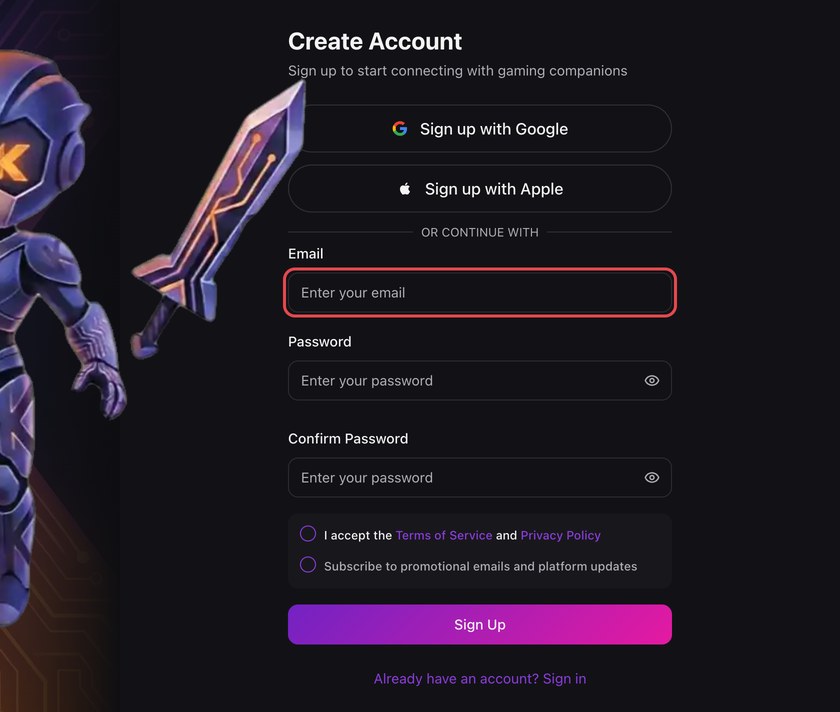
2. Set a strong password
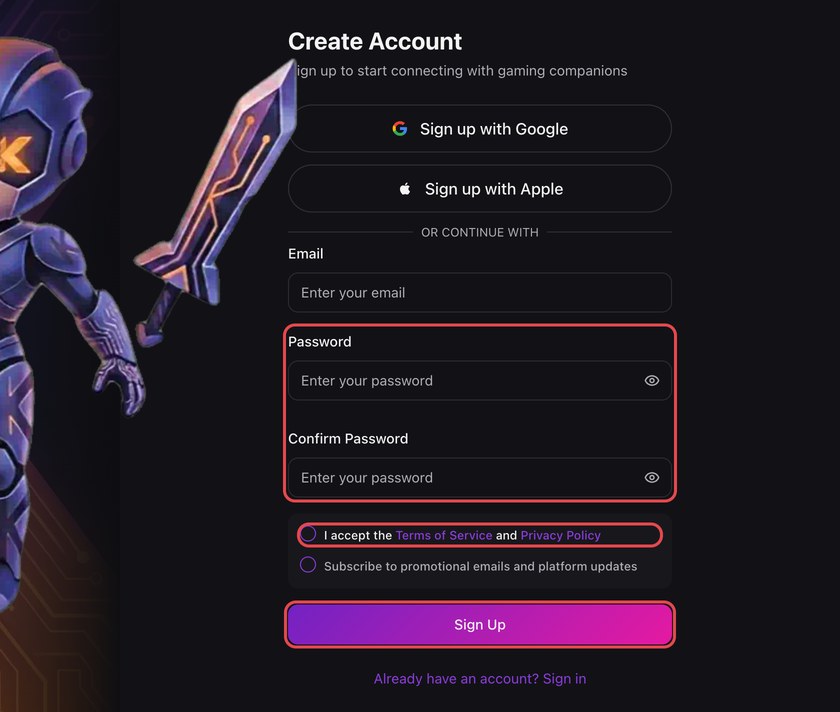
Your password must be at least 6 characters and include an uppercase letter, a lowercase letter, a number and a symbol. Passwords that have appeared in known data breaches are rejected for your safety. Type it again under Confirm Password, tick the box to accept the Terms of Service and Privacy Policy, and tap Sign Up.
3. Verify your email
We send a verification link to your inbox. The link is valid for 24 hours and can only be used once. If you can't find it, tap Resend Email on the Check Your Email screen once the countdown ends. If the link has expired, tap Request New Link, sign up again with the same email and tap Resend Email — your password stays the one you chose first.
Sign in with Google or Apple
On the sign-in page, tap Sign in with Google or Sign in with Apple — the first time, this creates your account, with no KAKI password needed. In the iPhone/iPad app both buttons are below the email form; the Android app offers Sign in with Google only.
Forgot your password?
Tap Forgot Password? on the sign-in page (on a computer, enter your email and tap Next first) and we will email you a reset link. The link is valid for 1 hour and can only be used once. The new password must meet the same strength rules above.